Servers
Server configuration
- Server needs to be configured
- Have Taskforger running with an accessible port
- This can be behind a reverse proxy for ssl
- Required for file transfer and issuing select commands
Create
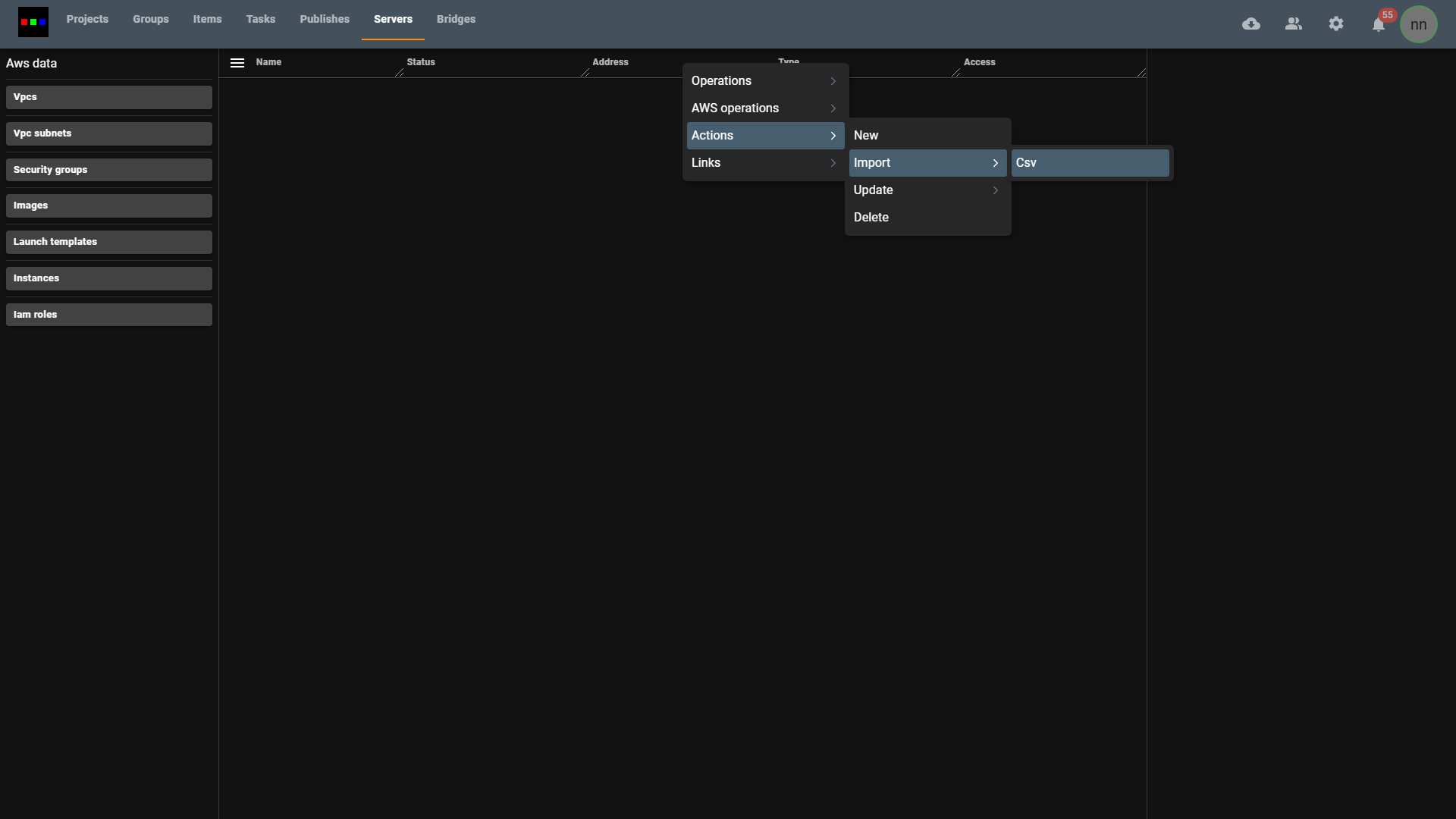
Select the servers tab
Right click anywhere inside.
Click on the actions context menu.
Select New
Fill in the following parameters for your server
- Name (computer name on the network)
- Address it's public ip or address
- The address and port of the running web server
- Local ip
Set the type to "primary"
-277c7320cef7b09a9f67b9bab7126f4f.png)
Assign a user to have access to a server or terminal
-e92c4095f2c35ea77416afa5cb3aac10.png)
- Update access to grant access for users that have that permission
Remove a server
- Select the server and right click to bring up the context menu.
- select delete